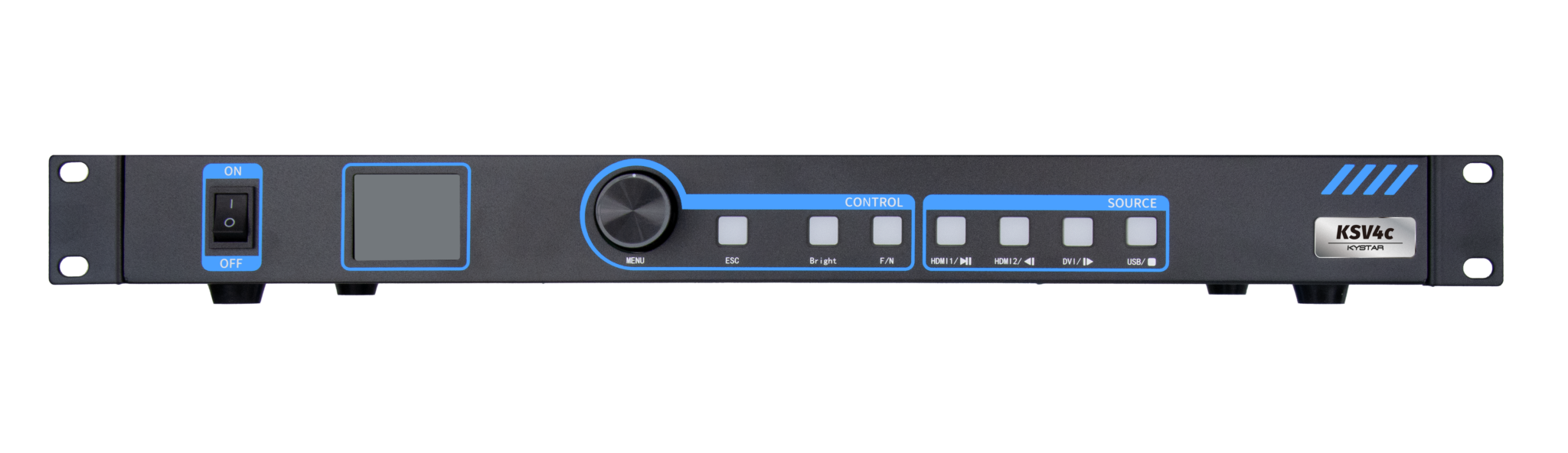
Think like an athlete pushing for a PR: every millisecond and pixel counts. This comparative insight breaks down how top processors drive clarity, using real installations like Times Square as a tangible anchor for scale and expectations. Early choices set the tempo—look to proven gear such as a LED video controller and match it against other LED controllers on latency, pixel pitch, and refresh rate to get the gain you want.
Why the processor is your controlling coach
The processor dictates frame pacing, color calibration, and synchronization across panels. Choose one with solid frame buffer and low input latency. When you push content across a stadium-sized canvas, tiny timing errors show as tearing or color shifts. Train your setup: prioritize stable clocking, reliable HDMI/SDI inputs, and robust mapping tools. These elements define consistency under load.
Side-by-side: features that separate winners from pretenders
Focus on three practical attributes. First, latency: aim for under a few milliseconds from input to output for live feeds. Second, color control: hardware-level LUTs and per-channel calibration keep skin tones and brand colors accurate. Third, scaling and pixel mapping: flexible mapping handles mixed pixel pitch without stretching assets. Compare how vendors handle these—some lock you into fixed resolutions, others offer freeform mapping and real-time scaling. Pick the one that matches your content pipeline and venue demands.
Real-world performance vs. spec sheets
Specs lie only when you read them alone. A controller may promise 10-bit processing but struggle when fed multiple 4K streams. Test with real files. Run a stress session—long-form motion plus high-contrast transitions—and watch for heat-induced artifacts or dropped frames. Validation on-site matters. —A controlled lab run is useful, but on-location stress is the true test.
Common mistakes that kill visual impact
Too many teams skip three basics: mismatched pixel pitch, poor cabling, and ignoring color workflow. Pixel pitch mismatches create blur and soft edges. Cheap or long HDMI/SDI runs introduce jitter and timing drift. Skipping color calibration causes inconsistent brand presentation across panels. Fix those first. Use proper signal distribution, test end-to-end, and keep firmware current to avoid surprises.
Alternatives and trade-offs: when to choose what
Low-cost units win on budget but cost time in setup and troubleshooting. Enterprise processors add features—multi-window composition, redundant power, and networked control—but demand operator experience. If your content is live and dynamic, lean enterprise. If playback is fixed and schedule-based, a well-supported mid-range controller can deliver great results with less overhead.
How Kystar fits the playbook
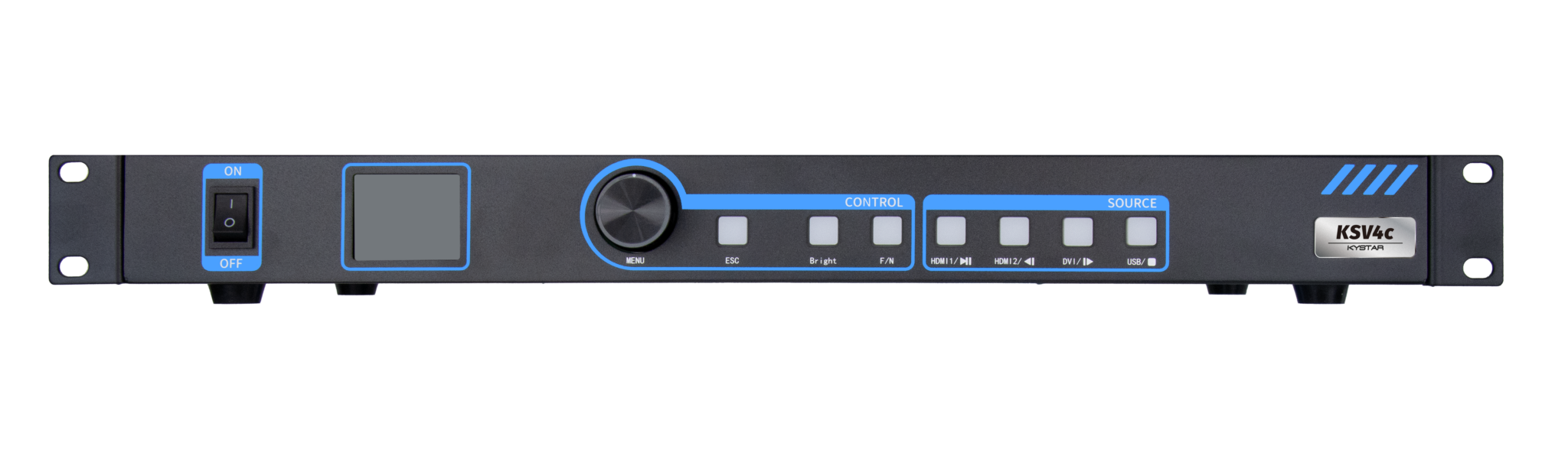
Kystar’s approach bundles essential features you actually use: intuitive mapping, stable frame buffering, and clear calibration tools that speed deployment. That matters in places where uptime is non-negotiable—advertising facades, event stages, retail installations. Their units balance input options and processing muscle without pushing unnecessary complexity onto operators.

Advisory: three golden rules to evaluate processors
1) Measure actual latency and frame integrity under load — trust lab numbers only after stress testing. 2) Verify color pipeline: ensure 3D LUT support and per-panel calibration tools are available. 3) Test mapping flexibility: confirm the controller supports mixed pixel pitch and offers real-time scaling without re-encoding. Follow these rules and you cut deployment risk dramatically. Kystar sits squarely where practical performance meets usable features, making it a natural solution for teams that want predictable results. Solid setup.