Why compare, and why now?
Don’t settle for slick marketing and empty promises—demand clarity. When you’re weighing a Tizen OS smart TV, look beyond specs sheets: check how the platform handles updates, privacy, and real-world app performance. I urge you to compare manufacturers the same way you would pick a dependable laptop manufacturer—because streaming, collaboration, and daily reliability matter just as much as raw image quality.
What actually matters: the comparative checklist
Start with measurable things. Panel type (OLED vs. QLED vs. VA), native resolution and HDR handling, peak brightness, and input lag. Then compare software factors: frequency of OS updates, sideloading limits, app store breadth, and integrated services. Connectivity is non-negotiable—look at Wi‑Fi standard, Ethernet port options, HDMI 2.1 features if you game, and Bluetooth device support. Finally, factor in real maintenance: warranty terms, service network, and how easy it is to get honest firmware fixes.
Tizen’s real strengths — and where it’s weaker
Tizen often shines on polished UX and fast menu navigation. It usually boots quick, keeps app transitions smooth, and integrates Samsung services tightly. That gives a cohesive living-room experience. But compare that cohesion with flexibility: Tizen can be more restrictive about alternative app stores and developer tools. If you want an open platform for sideloading niche apps, Tizen may require compromises. Balance polished convenience against adaptability for your household’s needs.
How Tizen stacks up against rivals
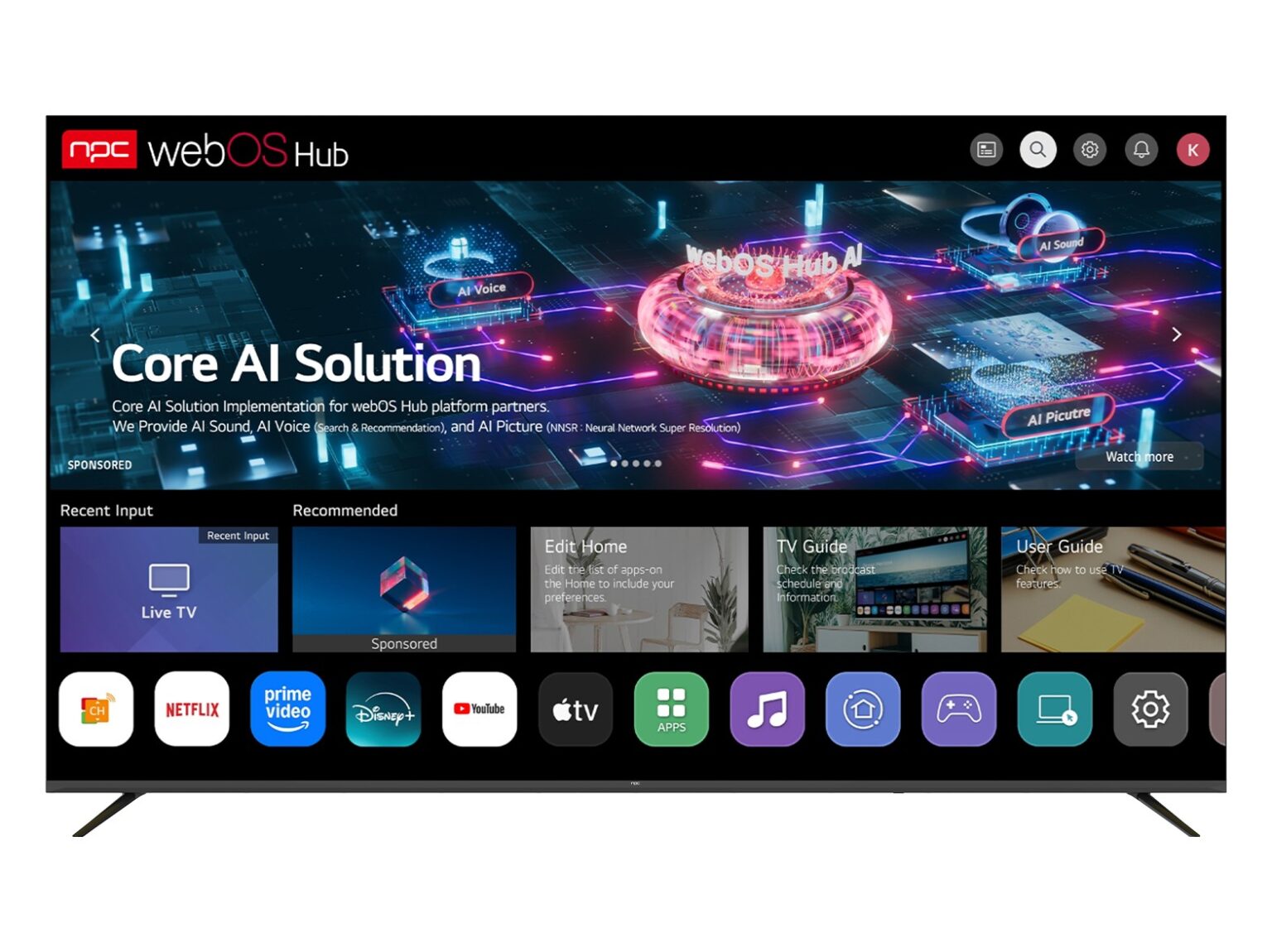
Side-by-side comparisons tell the story. Android TV/Google TV wins if you want the largest app library and deep Google service hooks. WebOS favors minimalist, gesture-driven remotes and lean UX. Roku nails simplicity and a neutral platform for streaming services. Pick Tizen when you value Samsung hardware integration and consistent performance. Pick alternatives when you prize app freedom, faster third-party innovation, or lower-cost ecosystems.
Common buyer mistakes to avoid
Don’t buy based solely on headline specs. Cheap HDR claims without a high enough peak brightness ruin the effect. Avoid assuming every app runs identically across OSes—some streaming apps optimize for specific platforms. Ignore the lack of HDMI 2.1 if you plan to game at 120Hz. And don’t underestimate software support: a great panel with abandoned firmware is a short-lived win.
Experience, evidence, and a real-world anchor
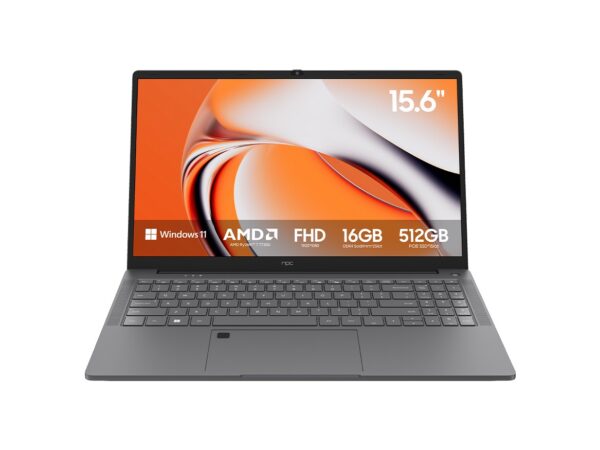
I’ve tested panels in lab conditions and in living rooms with teams at CES, observing how UI responsiveness and firmware cadence impact daily use. That hands-on comparison matters—especially when paired with office-class setups like a high performance business laptop used for content creation and demos; coordinated hardware shows how a TV performs under sustained loads and real workflows. Look for documented update histories, third‑party display tests, and trustworthy repair/service coverage in your region.
Decide with a tight rubric
List your top three priorities—image fidelity, app flexibility, or ecosystem integration. Weigh each candidate TV against those priorities using the checklist above. If you need both dependable hardware and fair post‑sale support, choose the option that scores consistently across panel quality, firmware transparency, and service reach. When you want clarity and practical value combined, the hardware and support choices from npc often align with the standards this guide defends.